Neobrutalist design resources: fonts, Figma kits, palettes and free inspiration
Neobrutalism (also spelled neubrutalism) is the playful web design trend behind Techgroove, Finder and colourful Dribbble portfolios — cream backgrounds, pastel sticker blocks, thick black borders and hard offset shadows. Here are free Figma kits, fonts with previews, palettes and live examples to recreate the look.
Neobrutalism — sometimes written neubrutalism — takes the honesty of brutalist design and makes it cute: cream paper backgrounds, pastel colour blocks, sticker-like icons and shadows with zero blur. Think Techgroove and Finder — opinionated layouts that feel handmade rather than corporate.
Classic brutalism still lurks underneath (visible grids, monospace type, underlined links), but neo-brutalism trades concrete grey for coral, mint and butter yellow. Below are real examples, the common ingredients, and free resources you can drop into Figma or Photoshop.
Neobrutalist inspiration
These are the kinds of layouts worth copying — bold type, visible borders, saturated accents and hard shadows instead of soft gradients.
Techgroove — live neo-brutalist startup site
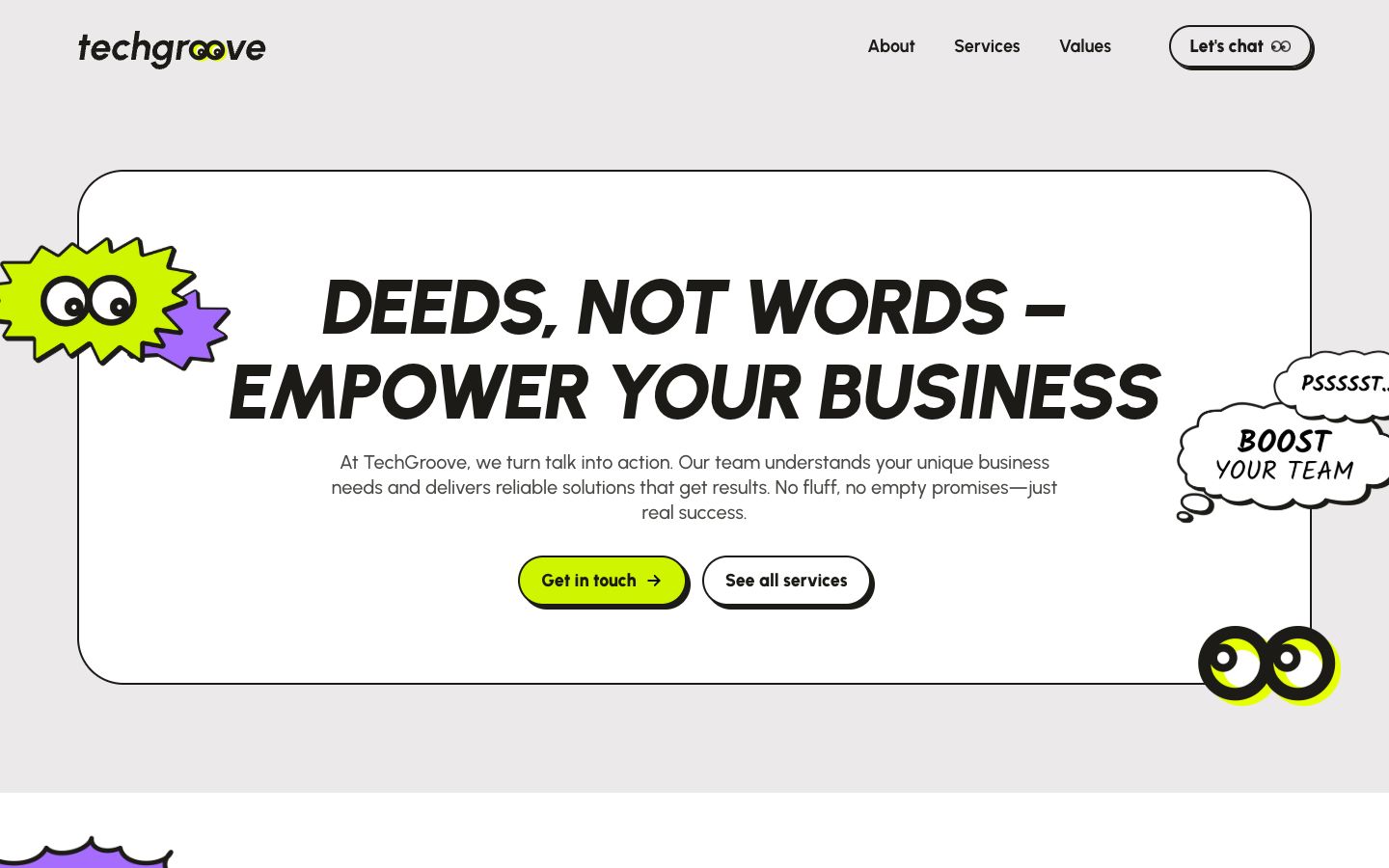
Techgroove is one of the clearest live examples of retro-neobrutalism — italic caps headlines, neon lime CTAs, purple and green sticker graphics, googly-eye branding and hard offset shadows on every card. Branding by Kristina Volchek. Grab the colour palette.
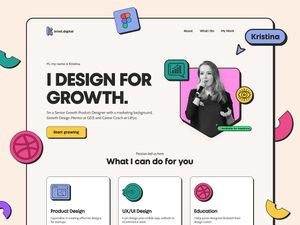
Kristina Volchek — product designer portfolio (Dribbble)
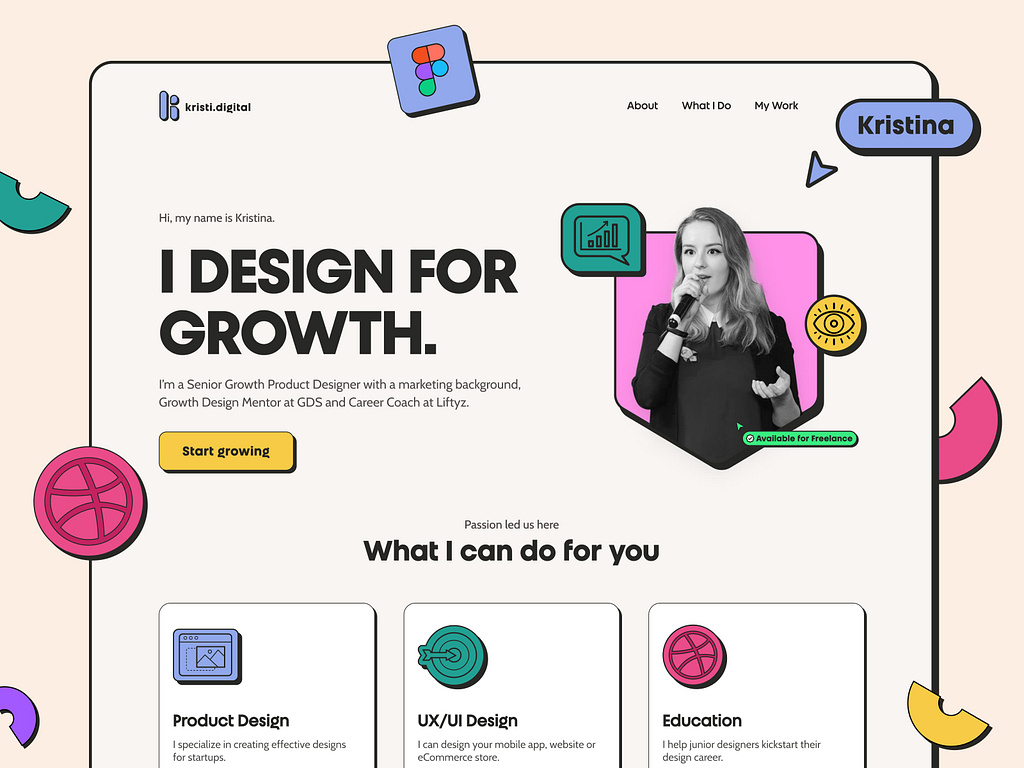
Neo-brutalist portfolio by Kristina Volchek — cream background, sticker-like icons, hard shadows and oversized Work Sans headlines.
Retro neobrutalist window UI
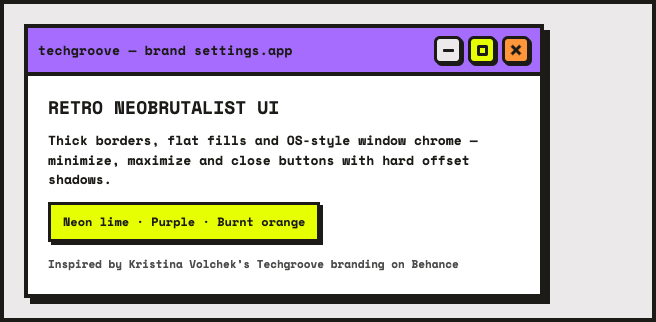
A classic OS window frame done neobrutalist-style — purple title bar, lime and orange control buttons, thick borders and zero-blur shadows.
Finder — neo-brutalist fintech at scale
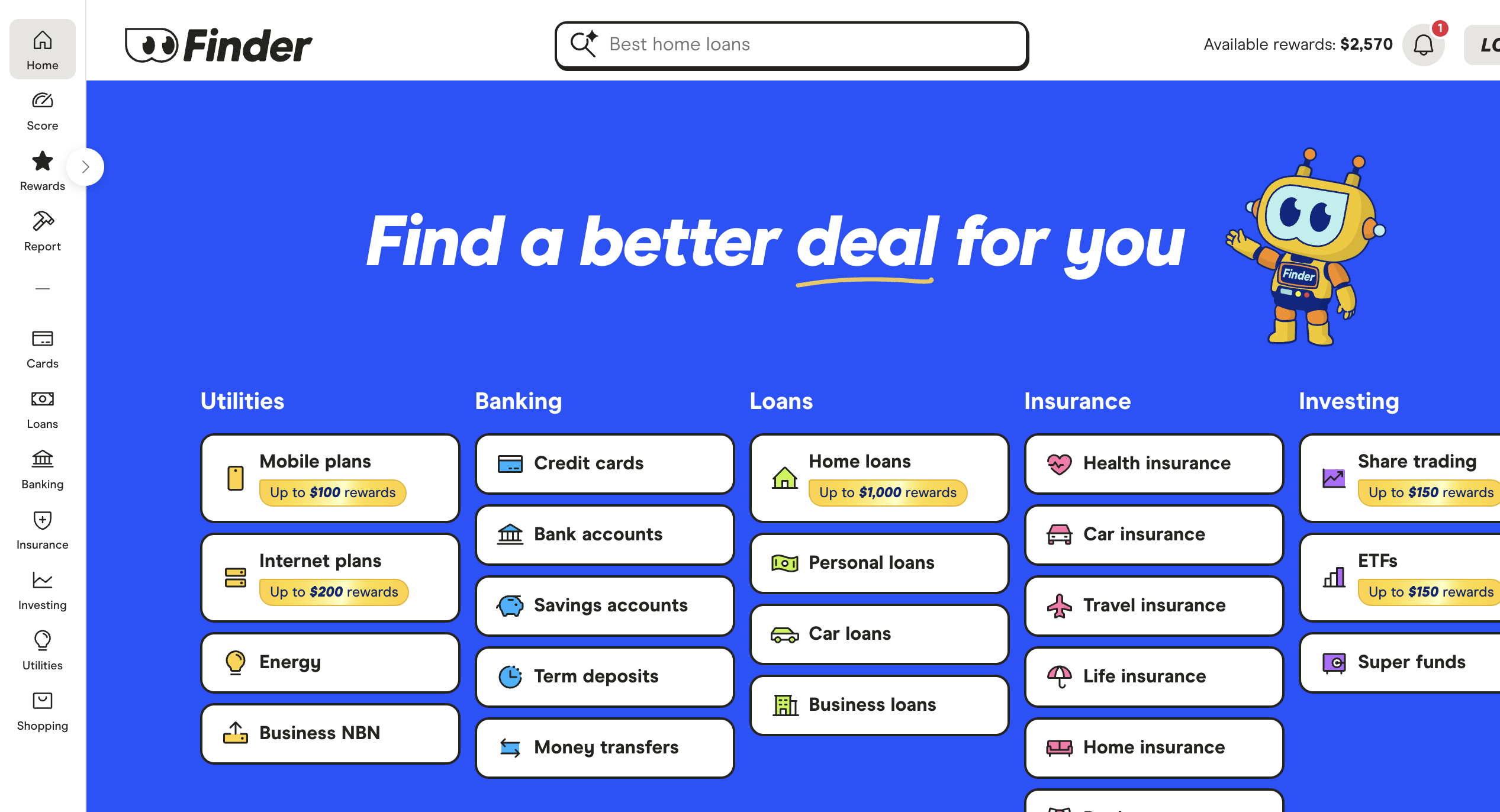
Finder proves neo-brutalism works for high-traffic consumer finance — electric blue hero, thick-outlined category cards, yellow reward stickers and a playful robot mascot across insurance, loans and utilities.
Oginify — neo-brutalist OG card style guide
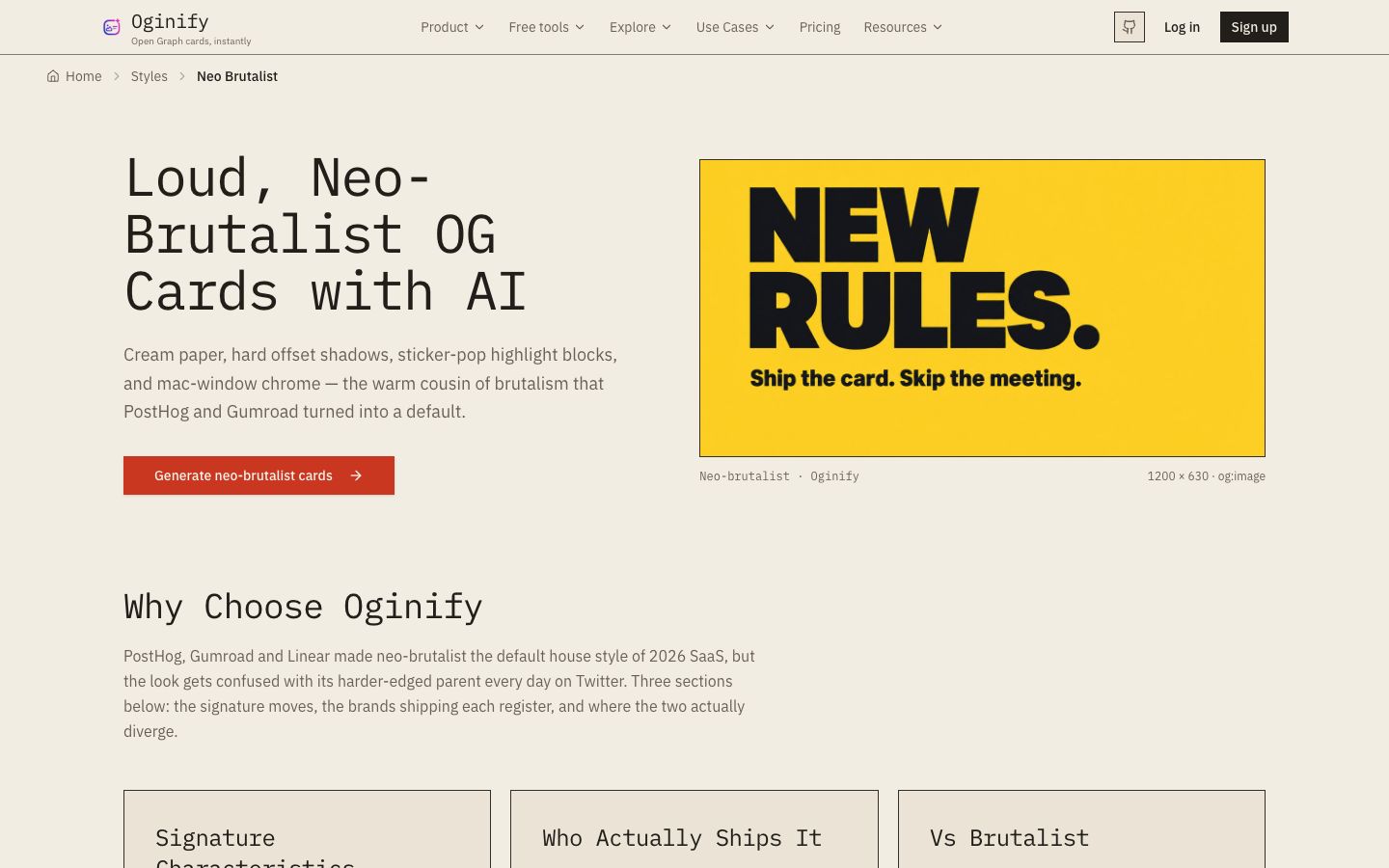
Oginify breaks down the neo-brutalist recipe: cream canvas, coral/mint sticker blocks, tilted badges and 4px black outlines.
Want more? Browse the neobrutalism tag on Dribbble for landing pages, dashboards and poster layouts.
Free Figma community kits
These two Figma Community files are the fastest way to start — full component libraries with the borders, shadows and pastel palette already baked in. Duplicate them into your workspace and customise.
Neubrutalism Design System
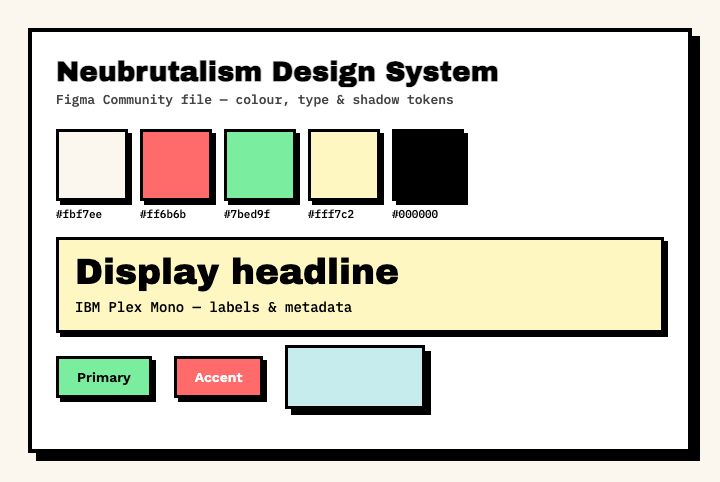
Neubrutalism Design System — colour tokens, type styles and shadow rules for a consistent neo-brutalist look.
Neobrutalism Components
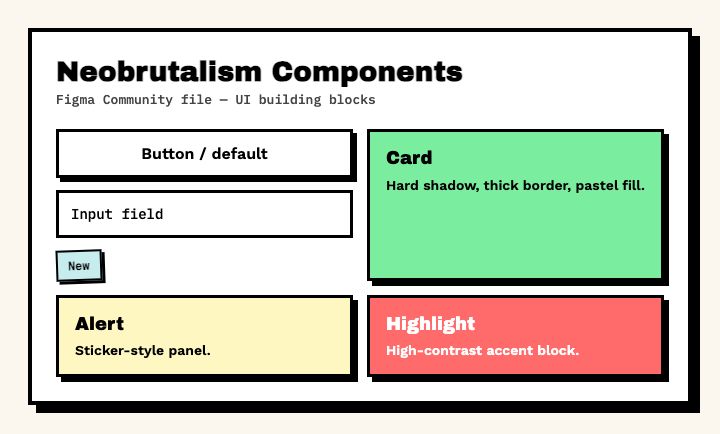
Neobrutalism Components — ready-made buttons, inputs, cards and badges with hard shadows and thick borders.
What goes into a neobrutalist design?
- Cream or off-white canvas —
#fbf7eeor similar paper tones instead of pure white - Hard shadows — offset box shadows with zero blur (
4px 4px 0 #000), not soft drops - Thick black borders — 3–4px outlines on cards, buttons and inputs
- Pastel sticker blocks — coral, mint, butter yellow and sky blue at flat saturation
- Bold grotesque type — heavy sans headlines paired with monospace for labels
- Playful details — tilted badges, doodle icons, rotated labels, hand-drawn callouts
Neobrutalist fonts
Neo-brutalism favours blunt, readable type — heavy display sans for headlines and monospace for navigation, labels and metadata. Click a preview to open the font on Google Fonts.
Free neobrutalist fonts (Google Fonts)
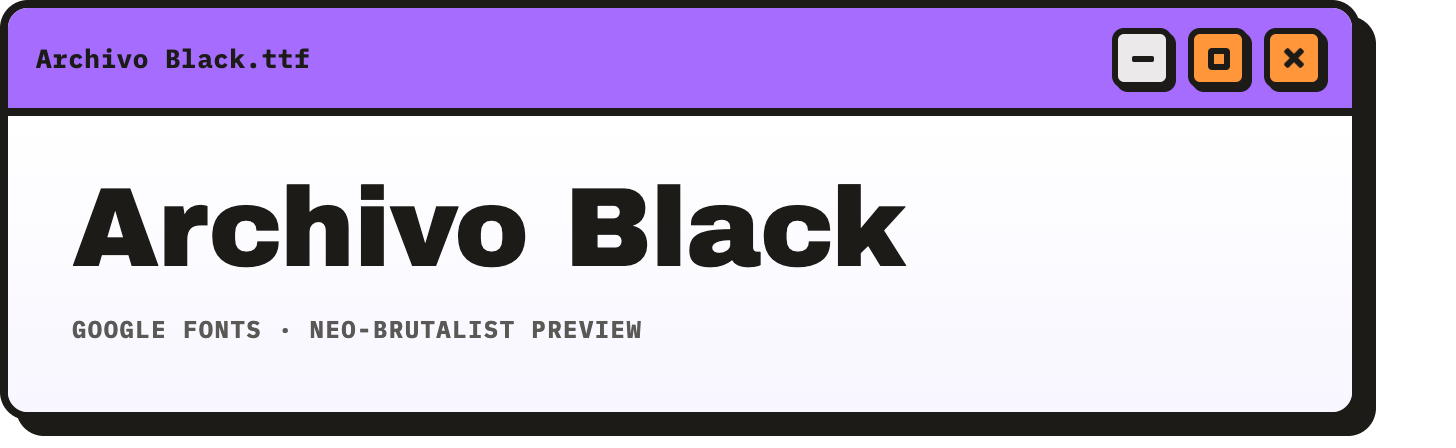
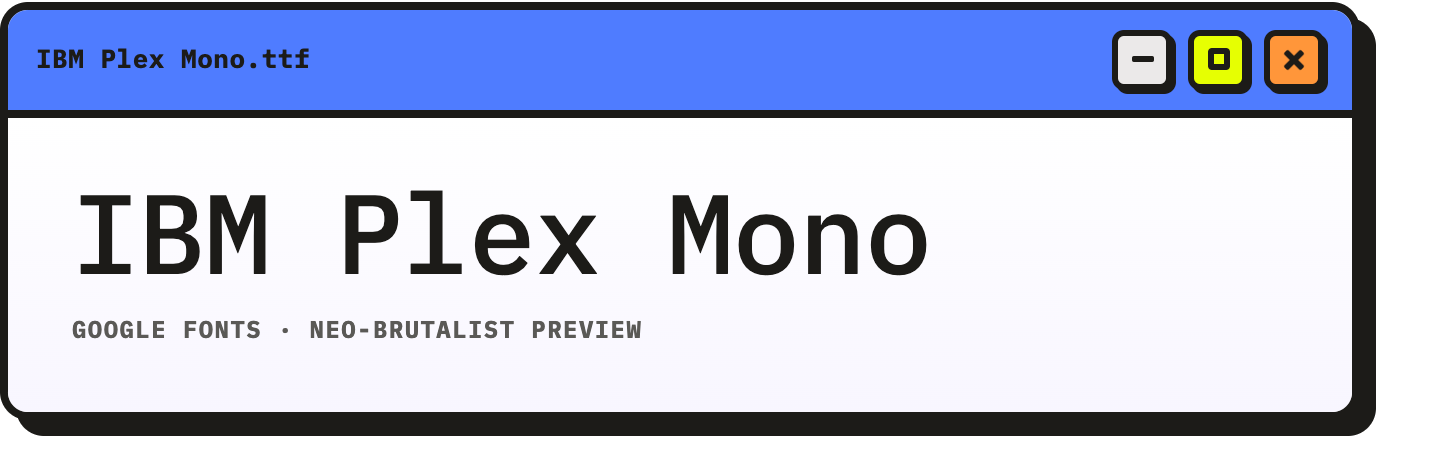
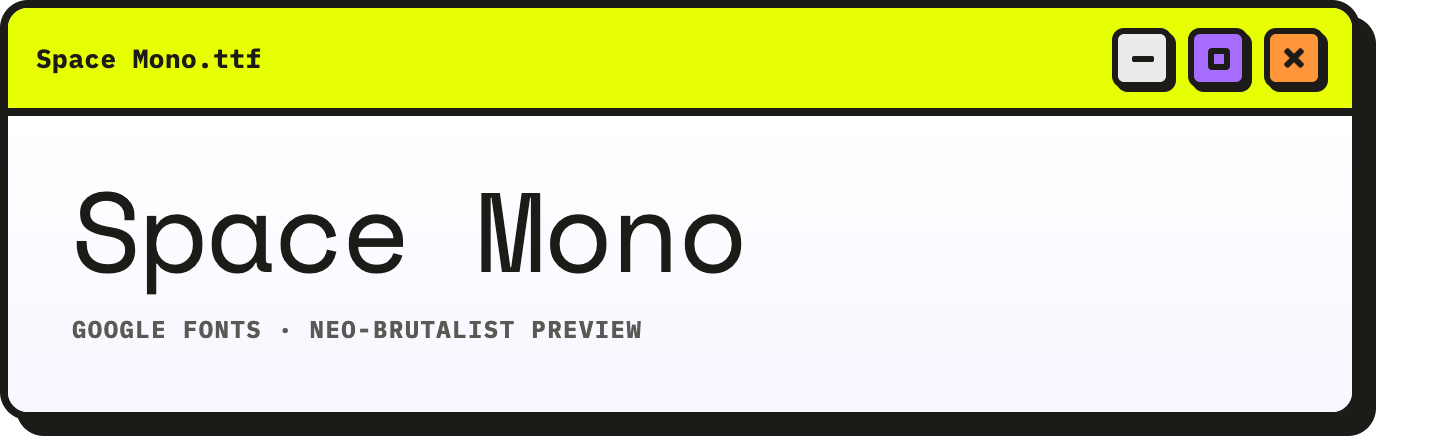
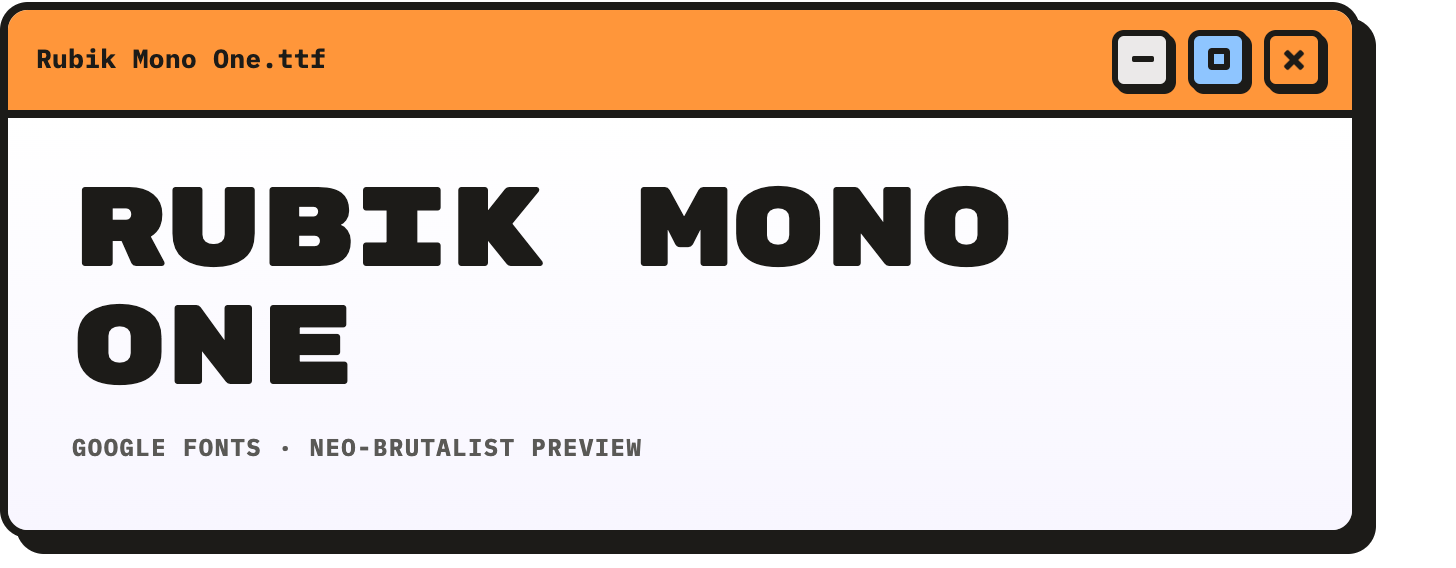
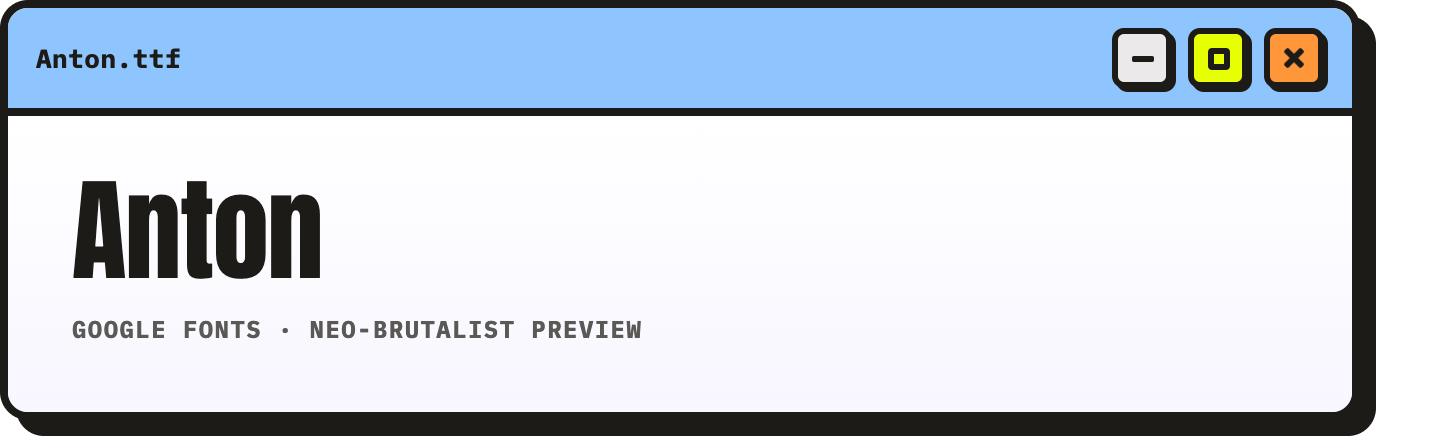
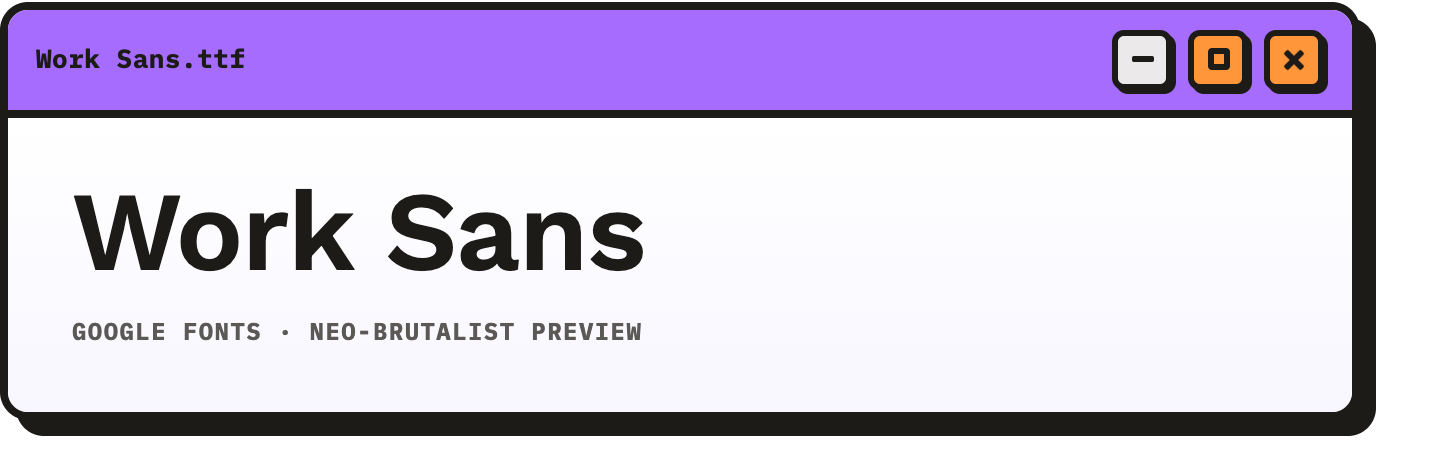
- Archivo Black — heavy, blunt headlines
- IBM Plex Mono — technical labels and metadata
- Space Mono — retro-futurist monospace
- Rubik Mono One — chunky, poster-ready
- Anton — condensed impact type
- Work Sans — neutral grotesque for body copy (used in many Dribbble neo-brutalist shots)
System font stacks (no download required)
For the most “honest” brutalist feel underneath the pastels, use fonts already on the user’s device:
- Sans:
Arial, Helvetica, sans-serif - Mono:
Courier New, Courier, monospace
Neobrutalist colour palettes
Neo-brutalist palettes are small and loud: a cream base, pure black outlines, then two or three pastel accents. Each combination below matches our standalone palette pages — copy hex values straight into Figma or CSS.
Techgroove palette
Sampled from Techgroove — neon lime, chakra purple and burnt orange on a soft gray canvas.
Techgroove Canvas Gray
Hex: #ebe9e9
RGB: 235, 233, 233Techgroove Neon Lime
Hex: #e6ff02
RGB: 230, 255, 2Techgroove Sahasrara Purple
Hex: #a56cfe
RGB: 165, 108, 254Techgroove Burnt Orange
Hex: #ff963a
RGB: 255, 150, 58Techgroove Ink Black
Hex: #1c1b18
RGB: 28, 27, 24Techgroove White
Hex: #ffffff
RGB: 255, 255, 255
Full palette with hex and RGB values.
Cream paper
Warm cream with black outlines and coral, mint and butter-yellow sticker accents — the default neo-brutalist starter kit.
Cream Paper Base
Hex: #fbf7ee
RGB: 251, 247, 238Cream Paper Black
Hex: #000000
RGB: 0, 0, 0Cream Paper Coral Sticker
Hex: #ff6b6b
RGB: 255, 107, 107Cream Paper Mint Sticker
Hex: #7bed9f
RGB: 123, 237, 159Cream Paper Butter Yellow
Hex: #fff7c2
RGB: 255, 247, 194
Full palette with hex and RGB values.
Sky and coral
Off-white, sky blue and soft coral for lighter, airy layouts.
Sky and Coral Off-white
Hex: #fafafa
RGB: 250, 250, 250Sky and Coral Sky Blue
Hex: #c7ecee
RGB: 199, 236, 238Sky and Coral Soft Coral
Hex: #ff7979
RGB: 255, 121, 121
Full palette with hex and RGB values.
Free neobrutalist vector shapes
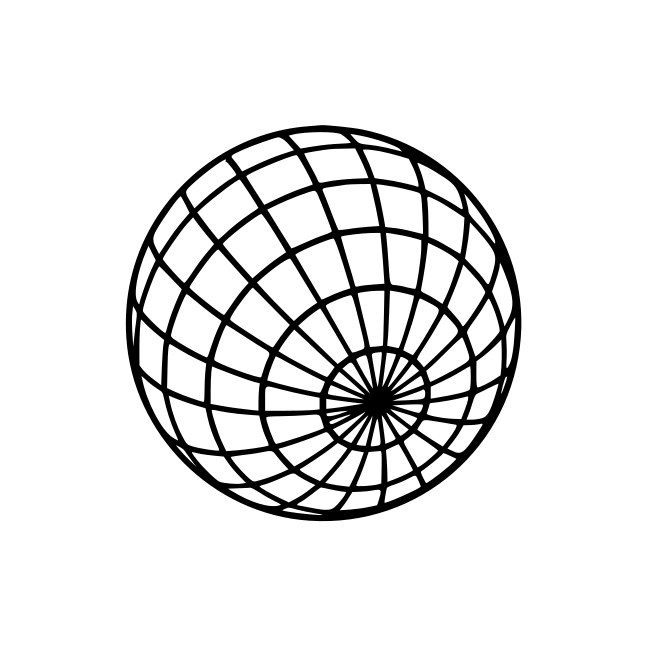
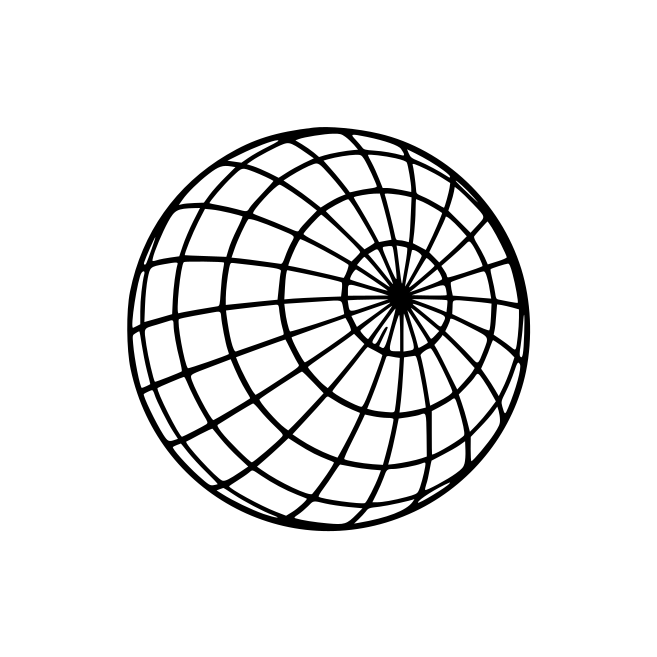
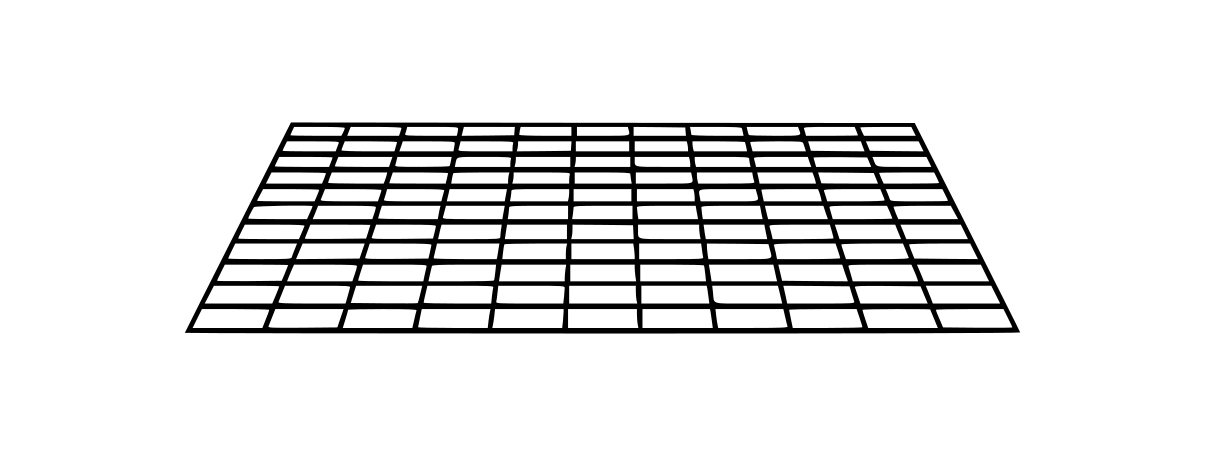
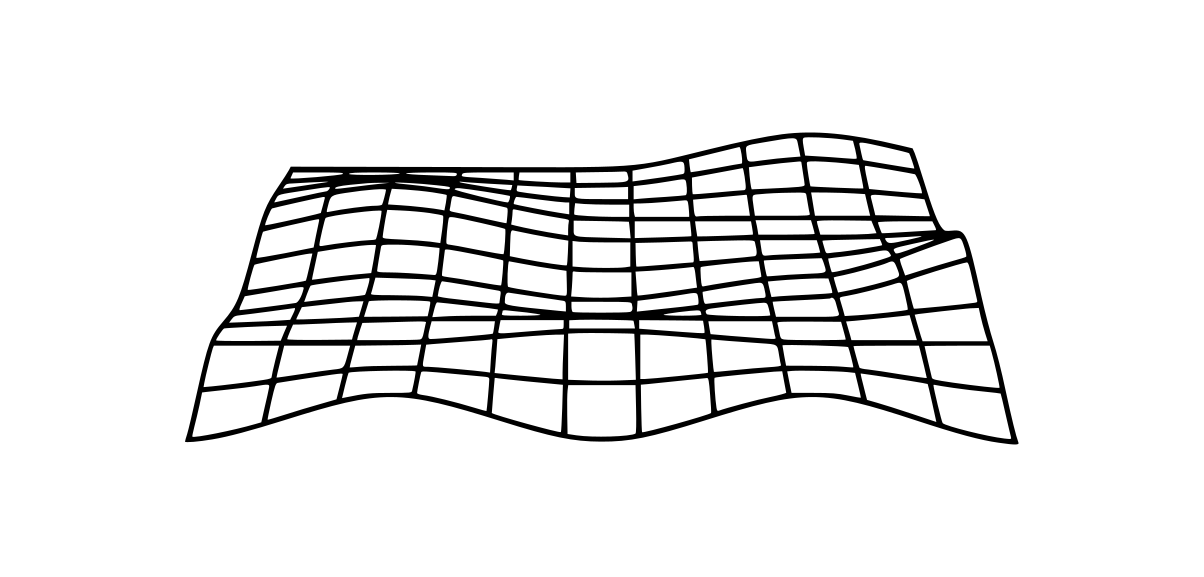
Retro-neobrutalist layouts lean on Y2K wireframe objects, flat geometry, perspective and warped grids, plus utilitarian accents like barcodes — all as sticker-like decoration. The six SVGs below are sourced from real vector libraries (not generated) — see attribution and licenses. Recolour strokes in Figma, Illustrator or Inkscape to match your palette.
Warped grids bend a regular floor grid through curved space — common in Y2K abstract packs beside straight perspective tunnels. Barcodes fill a similar role: optional utilitarian filler in zine collages, streetwear hang tags and industrial-brutalist graphic kits.
Where this look comes from
The wireframe-torus-globe-grid combo — plus warped grids, barcodes and warning stickers — shows up everywhere in neo-brutalist and Y2K revival work. Good reference packs and collections:
- Vecteezy — 40 blue Y2K abstract elements (the pack this post was originally inspired by)
- Vecteezy — Y2K wireframe spheres and torus set
- Vecteezy — Y2K wireframe grid, globe and circle collection
- Vecteezy — warped grid search — distorted perspective grids in blue and chrome
- Noun Project — Y2K globe frame
- Creative Market — Industrial Barcode Kit — barcode strips for streetwear, posters and packaging mockups
- FreeSVG — Blue Perspective Grid Distorted and OpenClipart wireframes — free downloads we used for several assets below
- Creative Market — Wireframe Graphic Pack (30 elements) — paid, but shows the full retro-sci-fi wireframe vocabulary (tunnels, grids, silhouettes)
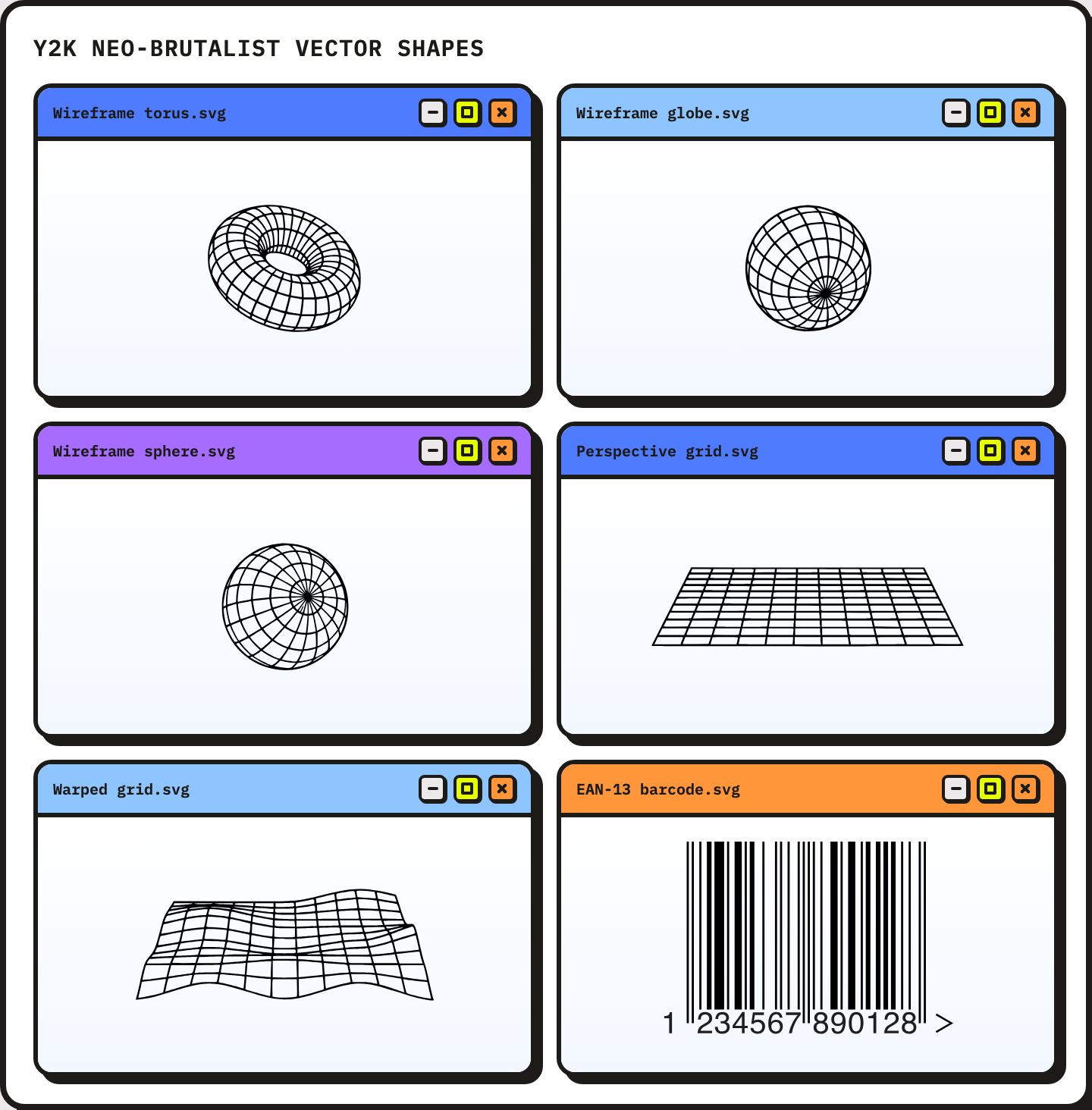
Sourced Y2K decoration: wireframe torus, globe and sphere; perspective grid, warped grid (Vecteezy Y2K pack), EAN-13 barcode (Wikimedia).
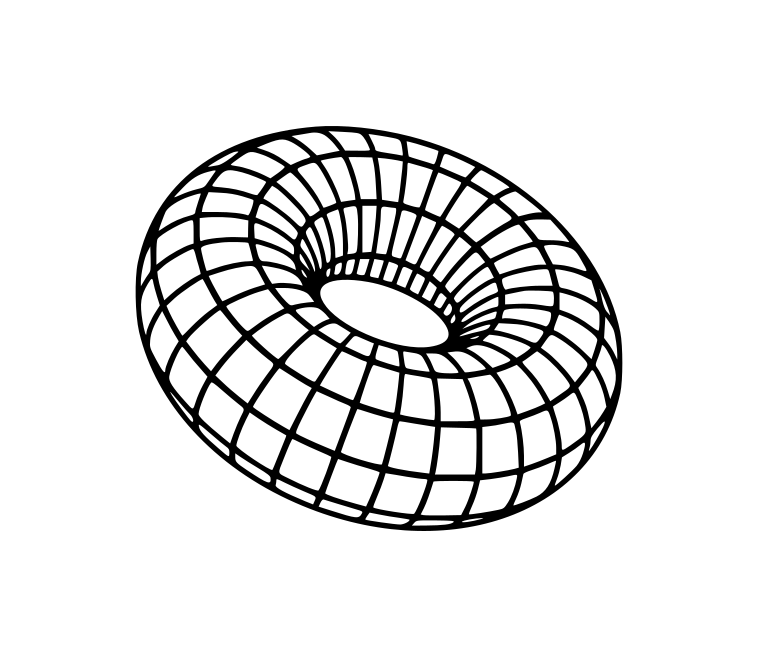
- Wireframe torus — cropped from Vecteezy Y2K trendy shapes EPS
- Wireframe globe — perspective sphere with latitude/longitude lines (Vecteezy Y2K pack)
- Wireframe sphere — front-facing orthogonal sphere wireframe (Vecteezy Y2K pack)
- Perspective grid — synthwave floor grid (Vecteezy Y2K pack)
- Warped grid — distorted perspective grid (Vecteezy Y2K pack)
- EAN-13 barcode — retail barcode strip for zine collages and hang-tag accents (Fred the Oyster / Wikimedia, public domain)
More free templates and UI kits
- Figma Community — neobrutalism search — more free landing page and component kits
- Brutalist Websites — gallery of live sites; filter for colourful neo-brutalist examples
- 98.css — Windows 98 UI framework; surprisingly neo-brutalist when paired with pastels
Neobrutalist layout tips
- Start with cream. A warm off-white background instantly signals neo-brutalism over classic grey brutalism.
- Shadows, not glows. Use
box-shadow: 4px 4px 0 #000— never blurred drop shadows. - Border everything. Cards, buttons, inputs and even images get a thick black outline.
- Mix grotesque and mono. Big sans headlines plus monospace labels is the default neo-brutalist pairing.
- Wireframe decoration. Torus, globe, perspective grid and warped grid vectors add retro depth without gradients — download the free SVGs above.
- Utilitarian accents. Drop in a barcode strip, monospace SKU label or warning sticker for Y2K zine and streetwear energy — optional, but it reads instantly neo-brutalist when paired with hard borders.
- Retro OS chrome. Minimize, maximize and close buttons in a thick-bordered title bar — see Techgroove and Kristina Volchek’s branding case study.
That is the neo-brutalist toolkit: pastel blocks, hard shadows, free Figma kits and fonts you can drop into your next landing page or social graphic. If you have favourite neobrutalist sites or files we missed, share them in the comments.