Frutiger Aero design resources: fonts, Figma kits, palettes and free vectors
Frutiger Aero is the glossy mid-2000s UI aesthetic — sky gradients, water bubbles, Windows XP blues and skeuomorphic buttons. Here are free Figma kits, fonts with XP-style previews, colour palettes and wireframe SVGs to recreate the look.
Frutiger Aero is the optimistic design language of the mid-2000s — named after Adrian Frutiger’s humanist typeface and defined by glossy plastics, photoreal skies, grassy hills and nature-meets-technology. Think Windows XP Luna, Vista Aero glass, early iPod ads and the blue bubble wallpapers that shipped on millions of PCs.
The same era gave us blobjects — blob-shaped product design with smooth, friendly curves and translucent candy-colour plastic, best exemplified by the iMac G3. Frutiger Aero UI borrowed that hardware language: inflated buttons, rounded window corners and glossy surfaces that look moulded rather than flat.
The look is hopeful rather than ironic: translucent chrome, soft gradients, pearlescent buttons and UI that mimics real materials. Below are live examples, the common ingredients, and free resources you can drop into Figma or your next landing page.
Frutiger Aero inspiration
Start with sites and shots that nail sky backgrounds, glossy hardware UI and XP-style window chrome.
Pool Suite — Frutiger Aero nostalgia at its purest
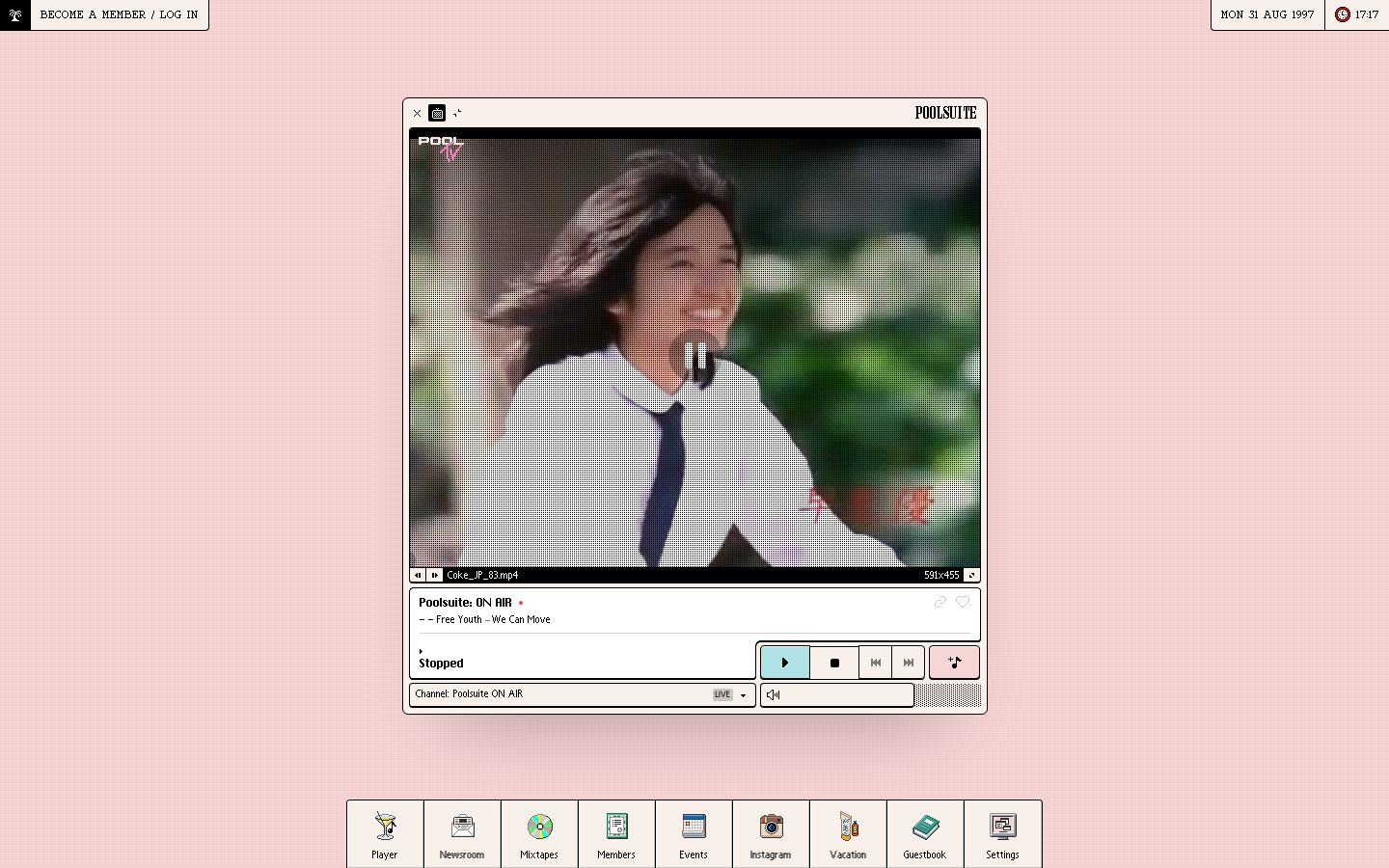
Pool Suite nails the Frutiger Aero experience — retro desktop chrome and Miami nostalgia — with warm peach-and-cream tones rather than classic sky-blue Aero.
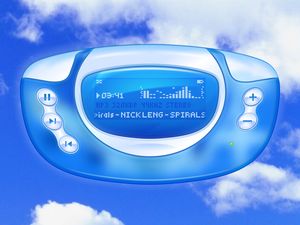
Frutiger Aero Player — glossy MP3 UI (LCOOOOD)
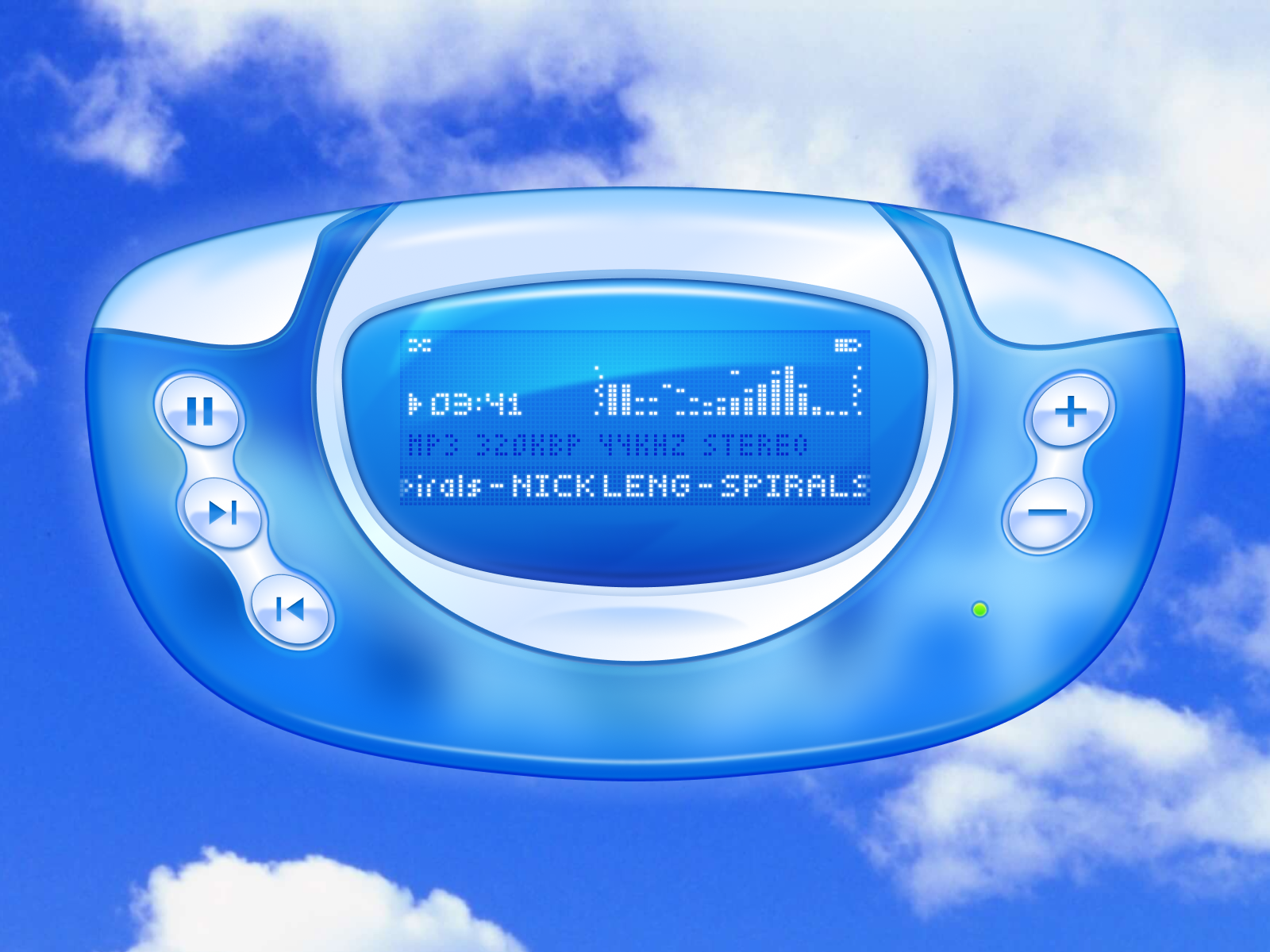
Frutiger Aero Player by LCOOOOD — the full recipe in one shot: translucent blue hardware, pearlescent buttons, pixel readout, green LED and a photoreal cloud sky.
Frutiger Aero window UI
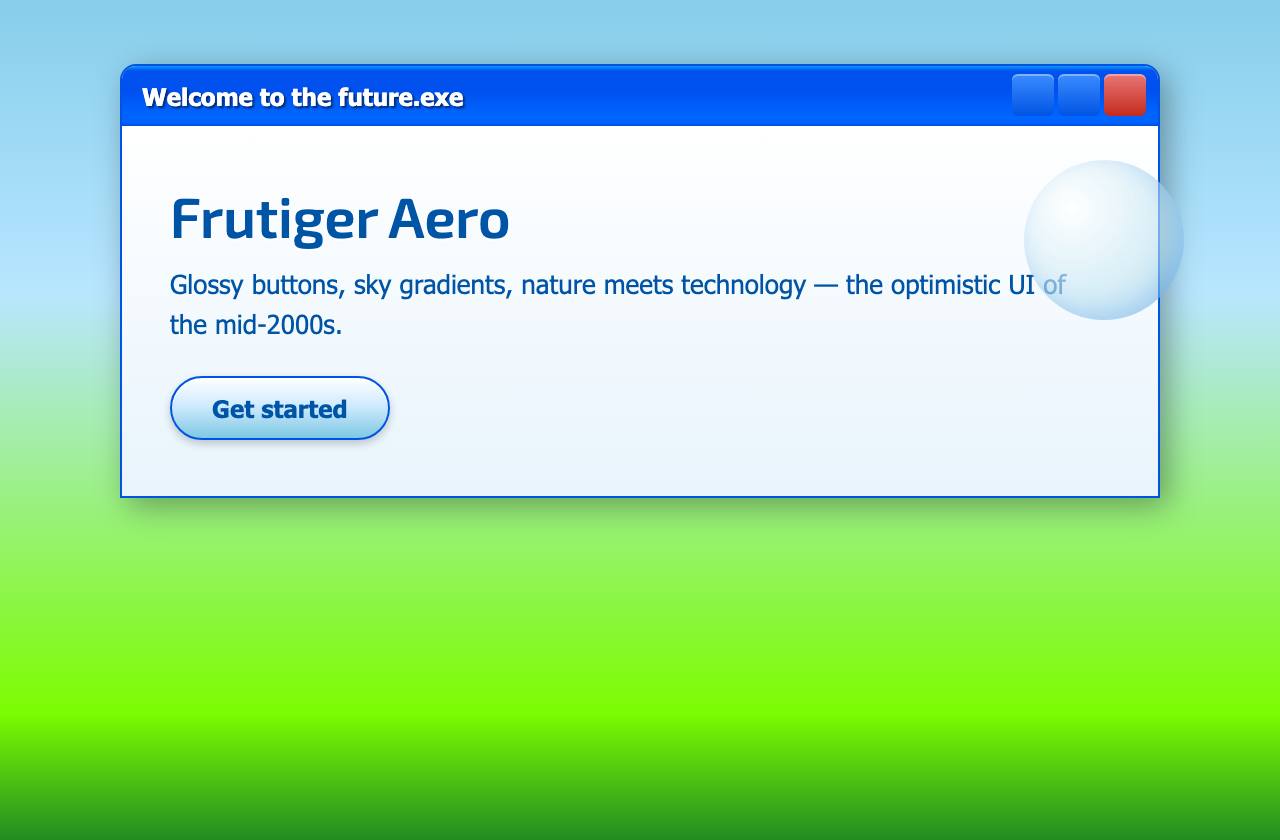
Windows XP Luna chrome — blue gradient title bar, red close button, glossy pill CTA and a sky-to-grass backdrop.
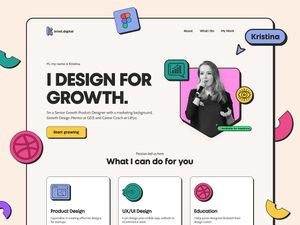
Dribbble — Frutiger Aero tag
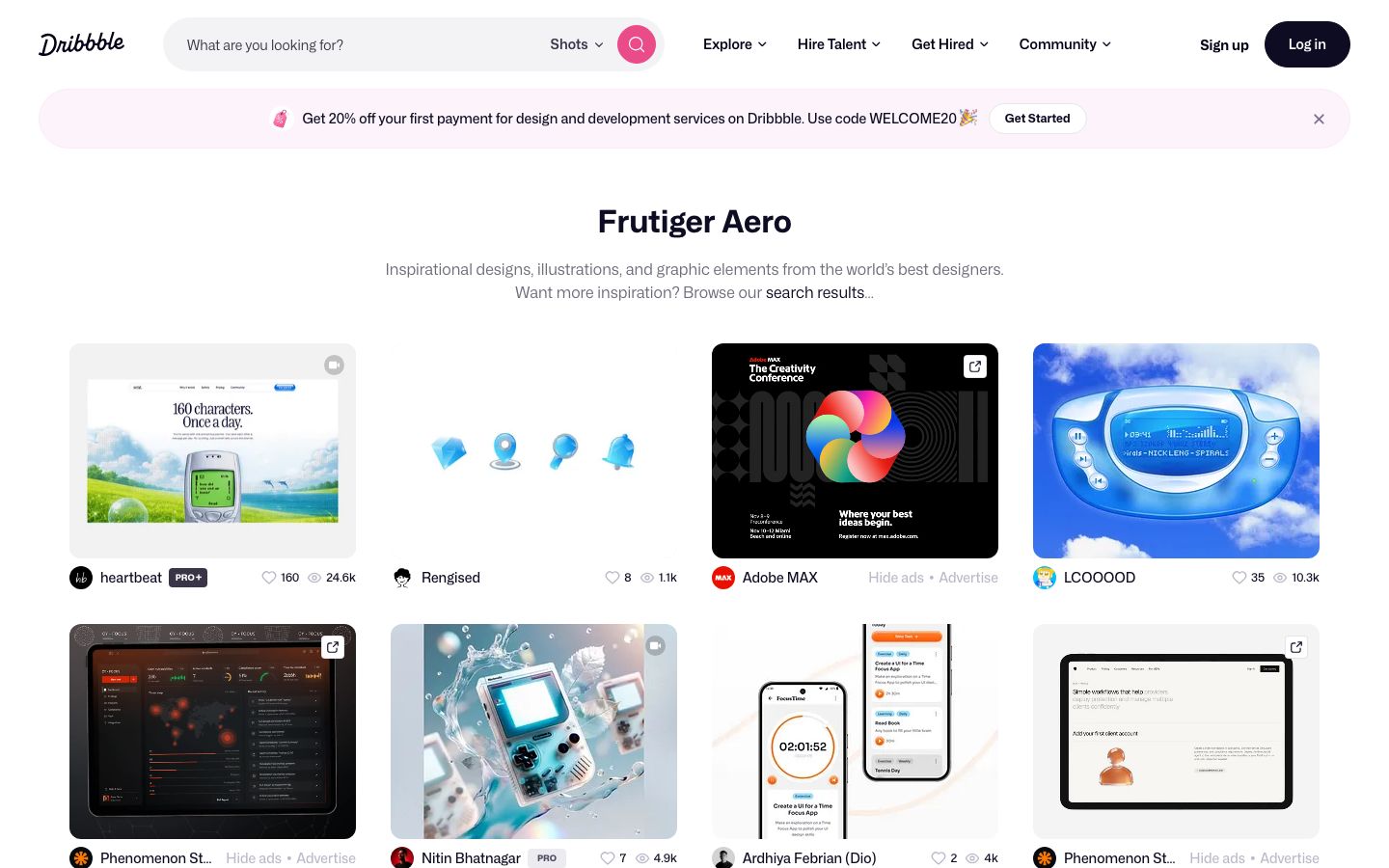
Browse the Frutiger Aero tag on Dribbble for music players, dashboards and skeuomorphic UI concepts.
Blobjects and glossy hardware
Before Frutiger Aero was a web trend, it was a product look. Designers in the late 1990s and early 2000s pushed organic, injection-moulded shapes with no sharp edges — coined blobjects by authors Steven Skov Holt and Karim Rashid. The poster child is Apple’s iMac G3 (1998): an all-in-one egg in translucent Bondi Blue plastic, with the CRT visible through the shell and a carry handle on top.
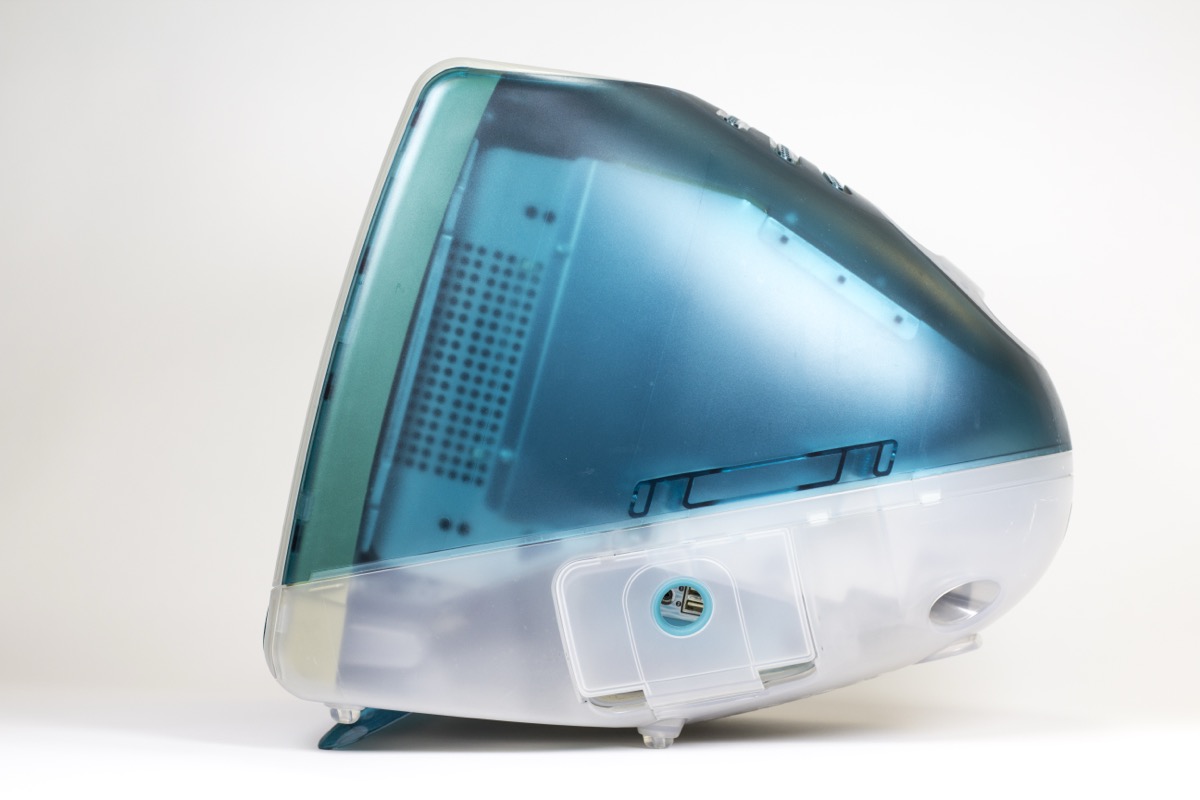
iMac G3 in Bondi Blue — the blobject that defined turn-of-the-century tech optimism. Translucent shell, continuous curve, no flat panels. Photo: Stephen Hackett / 512 Pixels (CC BY-SA 4.0).
That hardware vocabulary shows up everywhere Frutiger Aero UI pulls from:
- Inflated silhouettes — egg-shaped devices, pill buttons and orb icons instead of rectangles
- Translucent plastic — tinted colour over white internals; light passes through the case (match with semi-transparent UI panels)
- Gloss and highlight — moulded curves catch a single specular streak, like the LCOOOOD MP3 player above
- Candy colourways — Bondi Blue, Tangerine, Lime — same saturated accents as XP Luna and Aero wallpapers
Other blobject touchstones worth studying: the clamshell iBook G3, early 2000s Nike Triax watches, Oral-B toothbrushes and Karim Rashid’s garbage bins and ottomans. For translating blobs into UI, try Make Aero’s Glossy Orb Generator or inflated pill buttons with large border-radius.
Free Figma community kits
Duplicate these community files for glossy buttons, Vista-style tabs and Aero glass — faster than rebuilding skeuomorphism from scratch.
Frutiger Aero / Skeuomorphic buttons
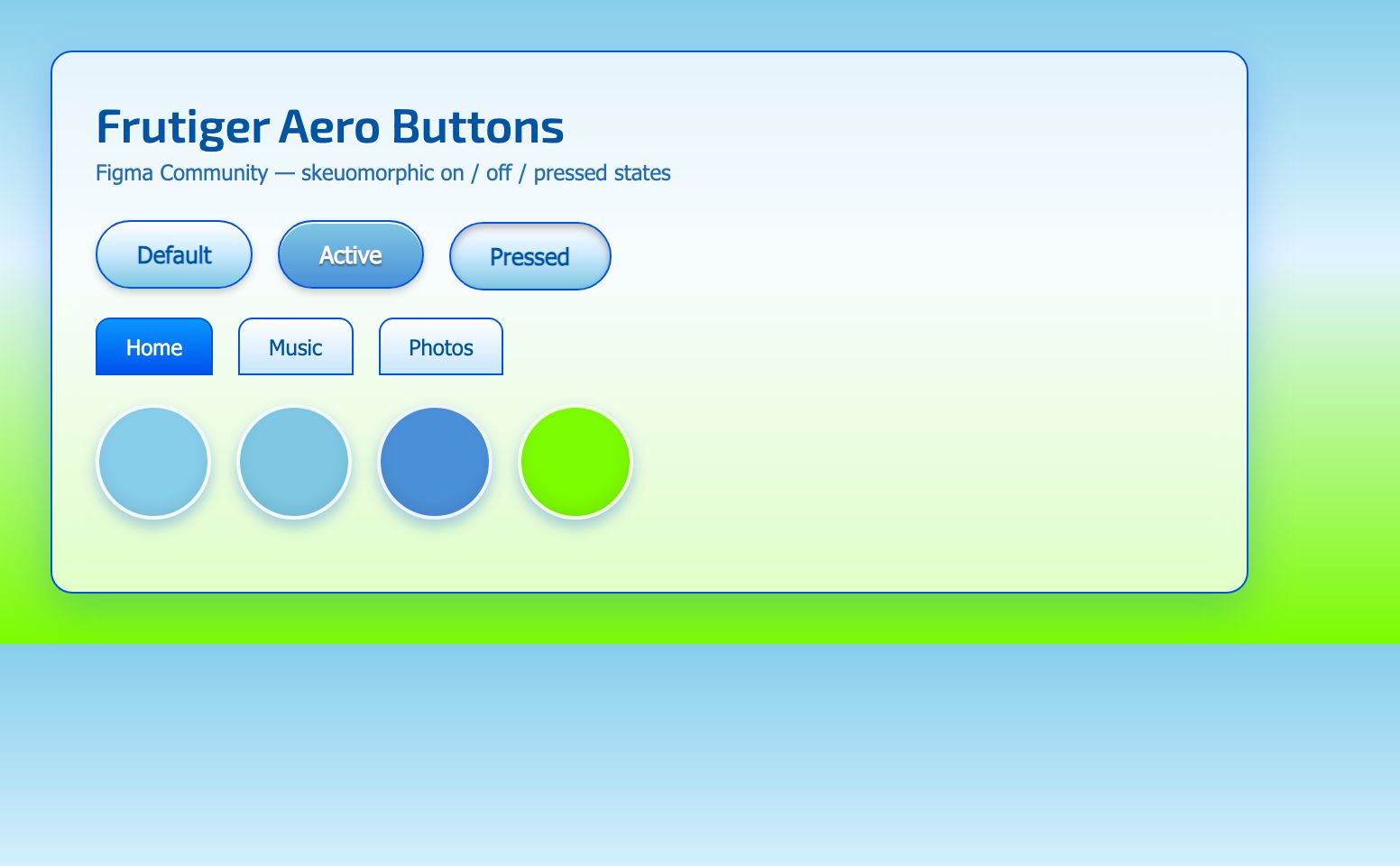
Frutiger Aero buttons — default, active and pressed states with glossy highlights and XP blue tabs.
Frutiger Aero icon / tab
Vista-style glossy tabs and icon chrome — handy for music players, settings panels and retro desktop mockups.
Frutiger Aero × Solarpunk
A dreamy desktop concept blending Frutiger Aero gloss with solarpunk greenery — good reference for hero backgrounds.
What goes into a Frutiger Aero design?
- Sky-to-grass gradients — heroes often fade from
#87ceebsky blue into lush green or white cloud - Glossy skeuomorphism — pill buttons with top highlights, inset shadows and 1px blue borders
- XP / Vista chrome — blue gradient title bars, Tahoma UI type, red close buttons, Aero glass blur
- Blobject curves — inflated, organic silhouettes with generous border-radius; think iMac G3, not sharp Material cards
- Translucent plastic — tinted colour over lighter fill; semi-transparent UI panels echo moulded hardware
- Nature photography — clouds, water, grass and bubbles as full-bleed or window backdrops
- Humanist UI sans — Frutiger for body copy and signage; Rodin for bold Japanese/Latin UI chrome
- Soft wireframe accents — optional torus, globe or grid SVGs in aqua blue at low opacity
Frutiger Aero fonts
Frutiger Aero is literally named after Adrian Frutiger’s typeface — the humanist sans on airport signage, Microsoft marketing and glossy mid-2000s UI. Rodin is Fontworks’ Japanese gothic, common in 1990s–2000s Japanese OS chrome and game subtitles. Pair them with clean geometric or rounded sans for headlines.
Classic typefaces (licensed)
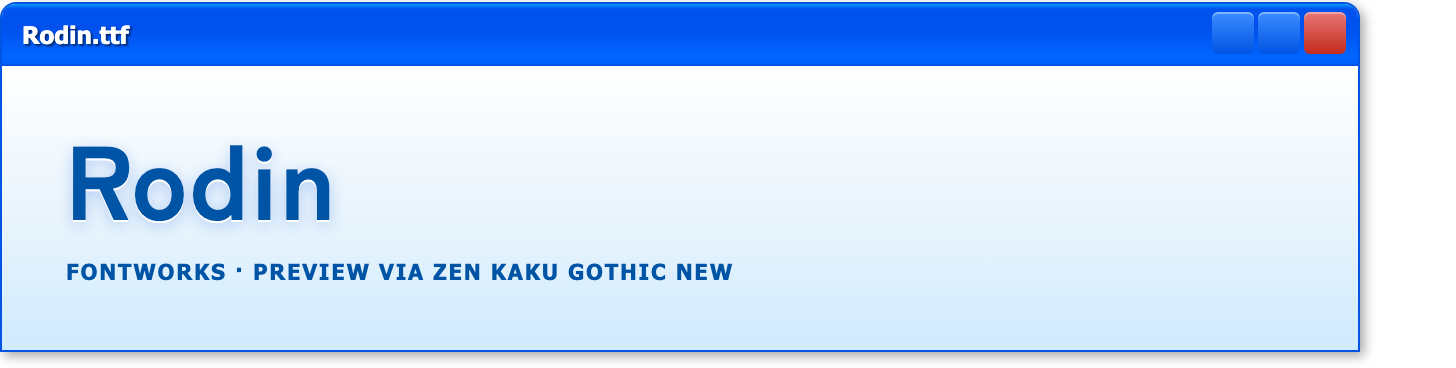
Neither Frutiger nor Rodin is on Google Fonts — license them from Linotype and Fontworks. Previews below use the closest free matches (Hind and Zen Kaku Gothic New) so you can see the intended weight and mood.
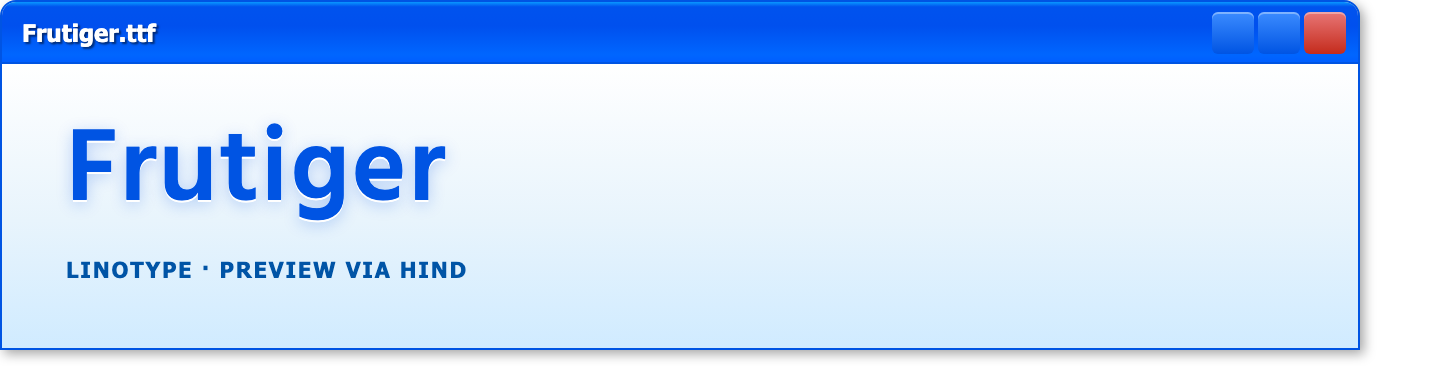
- Frutiger — the namesake humanist sans; warm, legible UI and signage type. Free download (Regular + Bold) for mockups via Font.Download; license the official family from Linotype for commercial work. Web-friendly stand-in: Hind on Google Fonts.
- Rodin — Fontworks gothic for bold Japanese UI, dialogue and subtitles (free alternative: Zen Kaku Gothic New)
Free fonts (Google Fonts)
Click a preview to open the font on Google Fonts — each uses Windows XP-style window chrome.
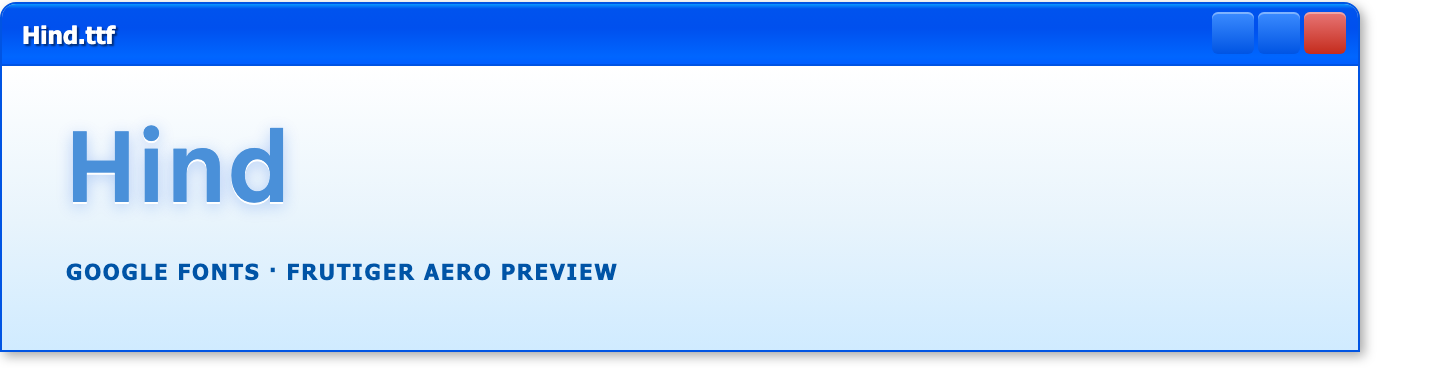
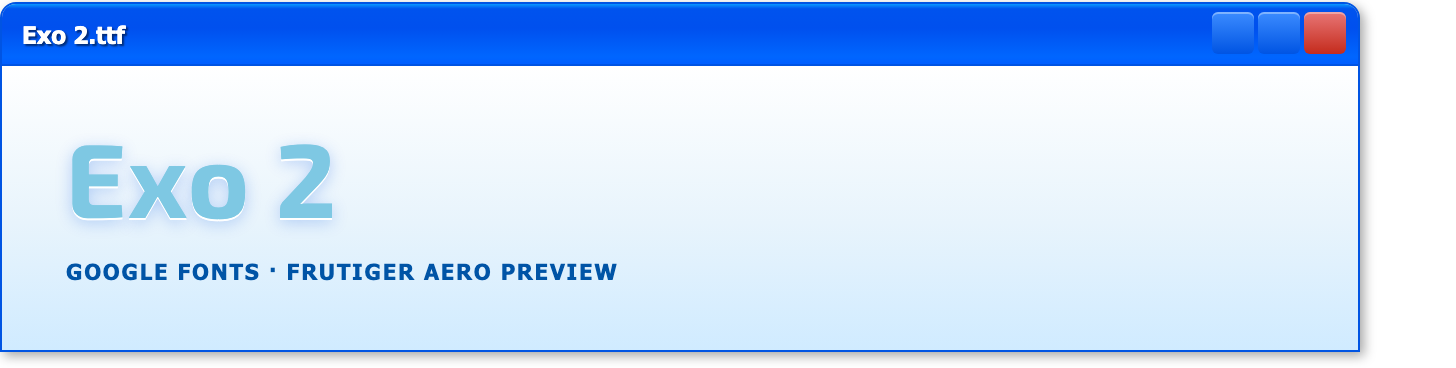
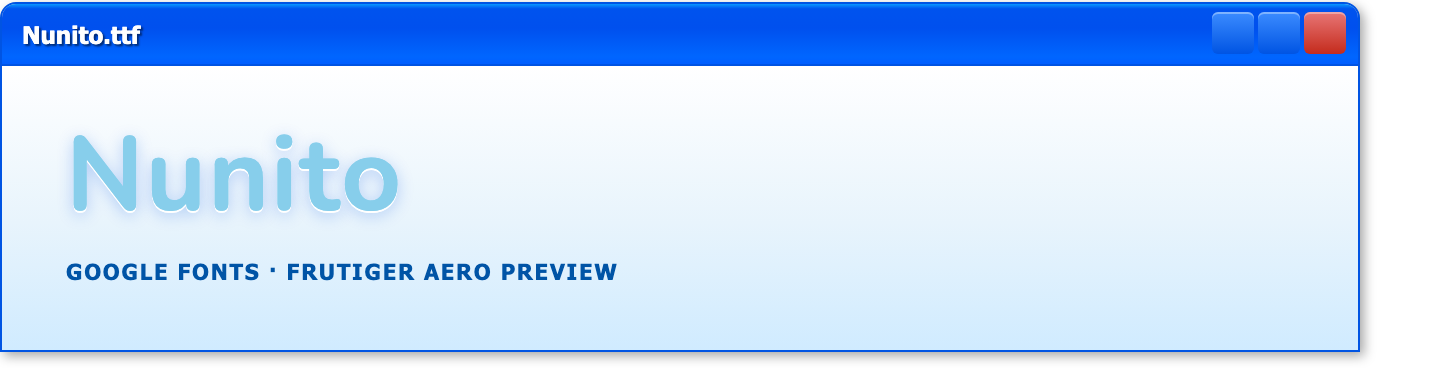
- Hind — closest free match to Frutiger for body copy and UI
- Exo 2 — geometric sans for heroes and product titles
- Nunito — soft rounded sans for glossy interface body text
System font stacks (no download required)
For authentic Windows XP / Vista UI chrome, use fonts already on the user’s device:
- UI sans:
Tahoma, "Segoe UI", sans-serif - Classic web:
Verdana, Geneva, sans-serif - Monospace labels:
Consolas, "Courier New", monospace
Frutiger Aero colour palettes
Frutiger Aero palettes stay small: sky blue, XP title-bar blue, grass green and cloud white. Each combination below has a standalone palette page — copy hex values straight into Figma or CSS.
Frutiger Aero
Sky blue, XP title-bar blue and grass green — classic Windows XP Luna chrome and Vista Aero wallpaper tones.
Frutiger Aero Sky Blue
Hex: #87ceeb
RGB: 135, 206, 235Frutiger Aero Aqua Glow
Hex: #7ec8e3
RGB: 126, 200, 227Frutiger Aero XP Blue
Hex: #0054e3
RGB: 0, 84, 227Frutiger Aero Title Bar Blue
Hex: #0997ff
RGB: 9, 151, 255Frutiger Aero Grass Green
Hex: #7cfc00
RGB: 124, 252, 0Frutiger Aero Cloud White
Hex: #ffffff
RGB: 255, 255, 255
Full palette with hex and RGB values.
Aqua chrome
Icy blues, deep aqua and silver chrome for wireframe layouts, tech logos and glossy gradients.
Aqua Chrome Ice White
Hex: #e0f4ff
RGB: 224, 244, 255Aqua Chrome Aqua
Hex: #7ec8e3
RGB: 126, 200, 227Aqua Chrome Deep Aqua
Hex: #4a90d9
RGB: 74, 144, 217Aqua Chrome Ocean
Hex: #0054a6
RGB: 0, 84, 166Aqua Chrome Chrome Silver
Hex: #c0c0c0
RGB: 192, 192, 192Aqua Chrome Cyan Accent
Hex: #00ffff
RGB: 0, 255, 255
Full palette with hex and RGB values.
Free wireframe vector shapes
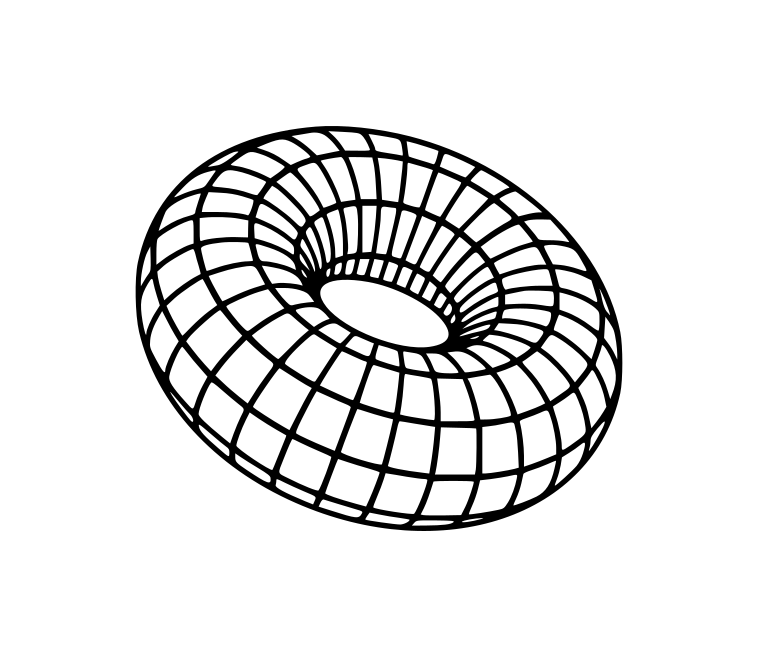
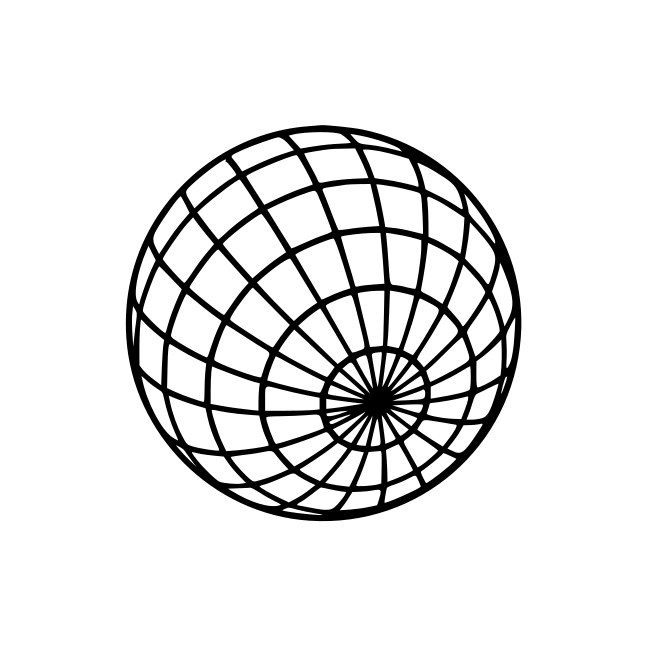
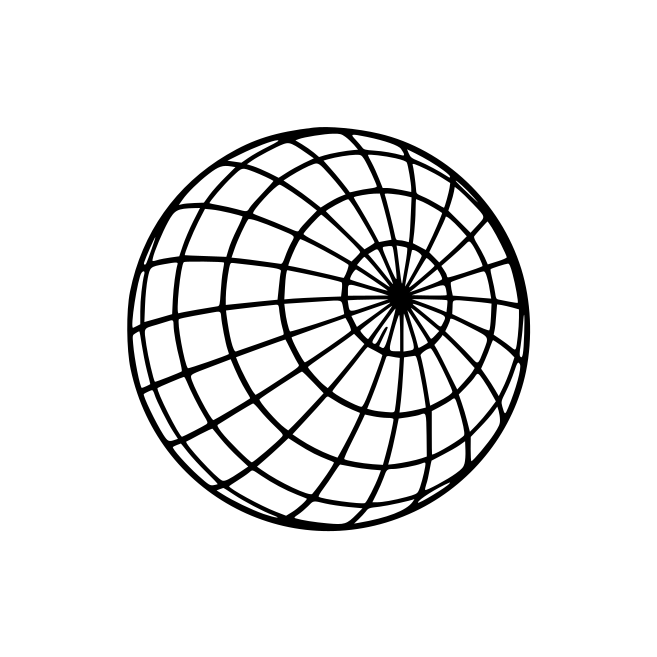
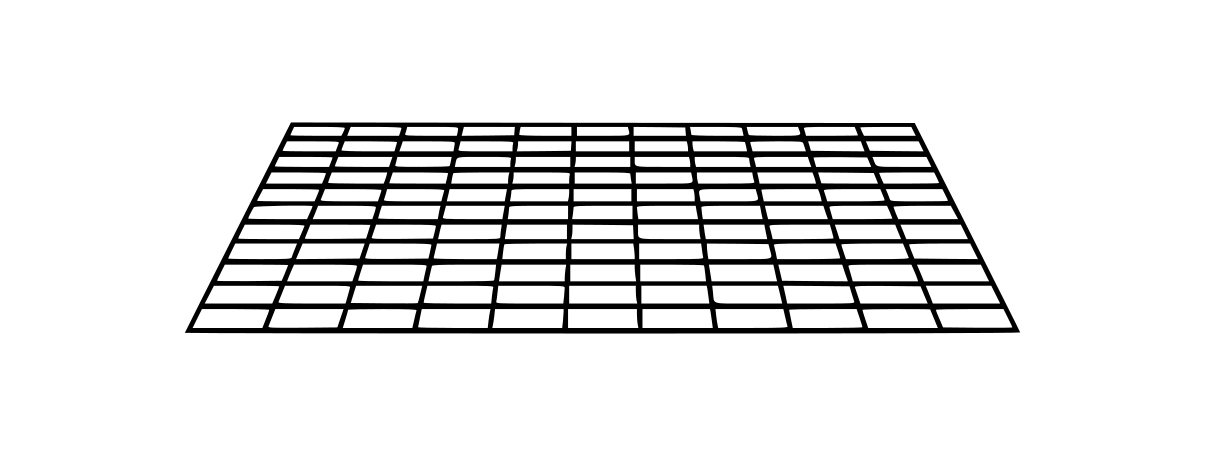
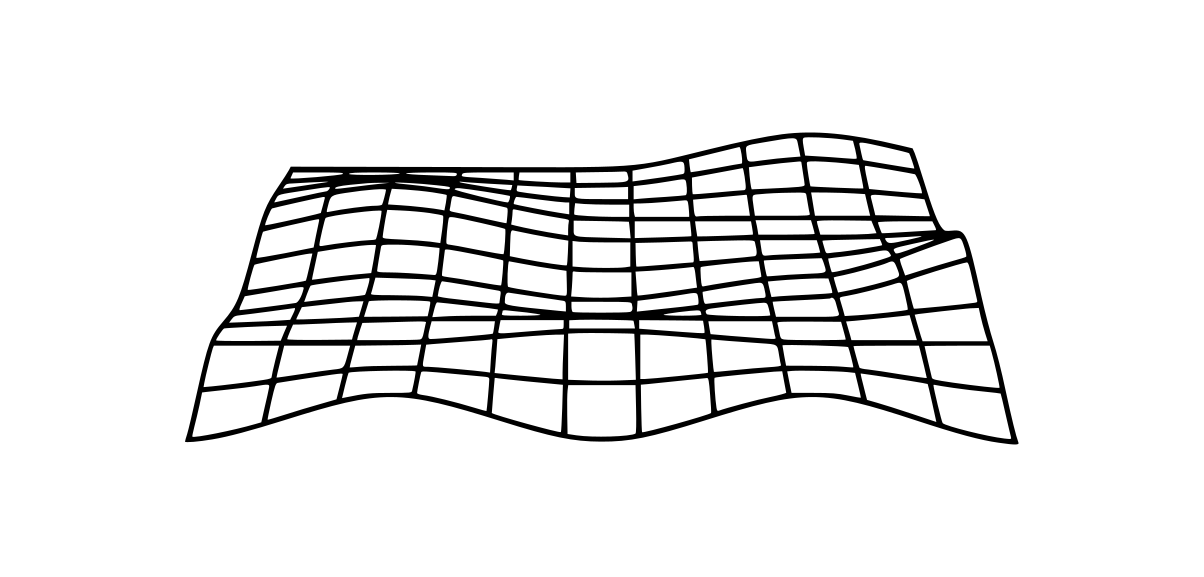
Wireframe torus, globe, sphere, perspective grid and warped grid SVGs work as subtle Frutiger Aero decoration — float them at low opacity over sky gradients or tuck them into card corners. The six SVGs below are sourced from real vector libraries — see attribution and licenses. Recolour strokes to #0054e3 or #7ec8e3 to match Aero blue.
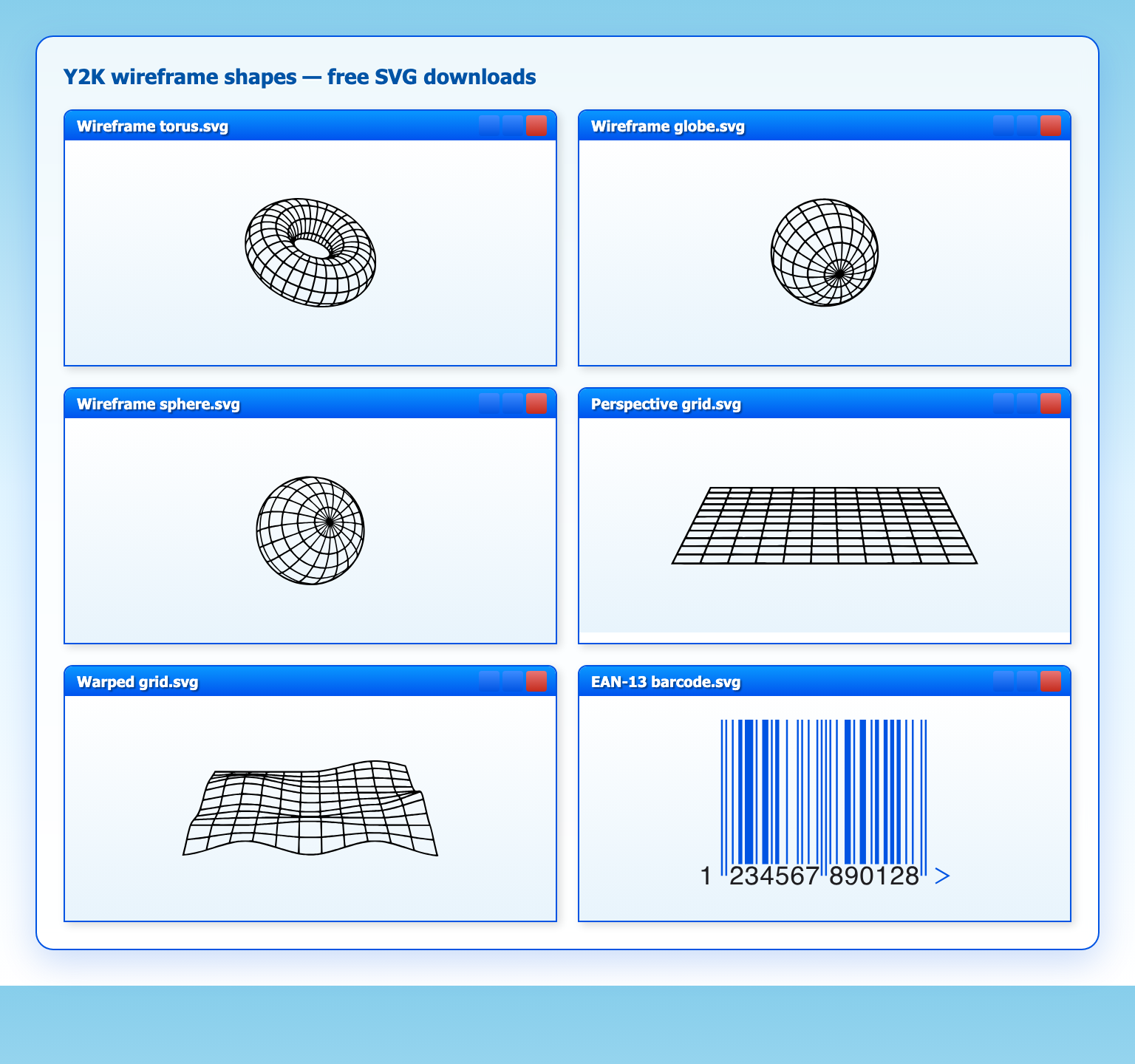
Wireframe decoration in Aero blue: torus, globe, sphere, perspective grid, warped grid and EAN-13 barcode.
- Wireframe torus — Vecteezy wireframe pack
- Wireframe globe — latitude/longitude sphere (Vecteezy)
- Wireframe sphere — front-facing orthogonal wireframe (Vecteezy)
- Perspective grid — floor grid (Vecteezy)
- Warped grid — distorted perspective grid (Vecteezy)
- EAN-13 barcode — utilitarian accent (Wikimedia, public domain)
More reference packs: Vecteezy wireframe collection and wireframe spheres and torus set.
Frutiger Aero generators
Make Aero by Visnalize is a set of browser tools built specifically for Frutiger Aero — glossy buttons, iridescent orbs, Vista-style window frames and sky-and-bubble wallpapers. Each generator exports CSS or images you can drop straight into mockups.
- Make Aero — hub for all generators below
- Button Generator — skeuomorphic Aero pills with custom size, colour and gloss
- Glossy Orb Generator — CSS or PNG orbs, optionally with your logo inside
- Window Glass Generator — Windows 7 Aero-style glass frames with custom content
- Wallpaper Generator — sky gradients, bubbles and bokeh in the classic desktop-wallpaper style
- PFP Generator — profile pictures with iridescent bubble rims on dreamy backgrounds
CSS tools for Aero glass
Vista-era Frutiger Aero relied on translucent window chrome — today you can recreate that frosted-glass look with backdrop-filter. The Glassmorphism CSS Generator at Hype4 Academy is the original interactive tool for it, built by Michal Malewicz (who coined the term). Drag the blur, refraction and depth sliders, then copy the CSS for cards and panels over sky or grass backgrounds.
- Glassmorphism CSS Generator — live preview + copy-paste CSS for frosted glass cards
- Glassmorphism in user interfaces — the original Hype4 article that named the trend (a modern take on Aero-style translucency)
More free templates and UI kits
- Figma Community — Frutiger Aero search — glossy buttons, tabs and wallpapers
- Frutiger Aero Archive — curated examples, wallpapers and media
- Over 50 Frutiger Aero wallpapers (Imgur) — sky, grass and glossy Vista-style desktop backgrounds to “2008ify” mockups or your own PC
- 98.css — Windows 98 UI framework; pair with aqua gradients for pre-XP retro
- Windows XP UI Kit (Adobe XD) — Luna chrome reference assets
Frutiger Aero layout tips
- Lead with sky. A vertical gradient from sky blue to white (or green) instantly reads Frutiger Aero.
- Generate, don’t draw. Use Make Aero for glossy buttons, orbs and wallpapers instead of hand-building gradients from scratch.
- Think blobject, not box. Large corner radii, pill buttons and orb icons echo iMac G3-era hardware — avoid flat rectangles with 4px radius.
- Gloss, not flat. Use
linear-gradienttop highlights andbox-shadow: inset 0 1px 0 #fffon buttons. - Aero glass panels. Semi-transparent cards with
backdrop-filter: blur()and a thin white border mimic Vista window chrome — use the Glassmorphism CSS Generator to dial in the values. - Steal a wallpaper. Full-bleed sky, grass or bubble photography anchors the mood fast — generate one with Make Aero’s Wallpaper Generator, or grab a ready-made image from the Frutiger Aero wallpaper album on Imgur or Frutiger Aero Archive.
- Wireframe depth (optional). Place a torus or perspective grid behind copy at low opacity — no photoreal 3D required.
- Pair humanist + geometric type. Frutiger (or Hind) for body copy with Exo 2 headlines; Rodin for bold UI labels in Japanese layouts.
That is the Frutiger Aero toolkit: sky gradients, glossy chrome, free Figma kits and wireframe SVGs for your next retro landing page. If you have favourite Frutiger Aero sites or files we missed, share them in the comments.